Video Templates on Android
Templates let users create stunning videos quickly and easily using predefined sets of effects, transitions, and music. All it takes to make a shareable piece is changing the placeholders. With templates, even people who are new to video editing or just lack time can make impressive content in minutes.
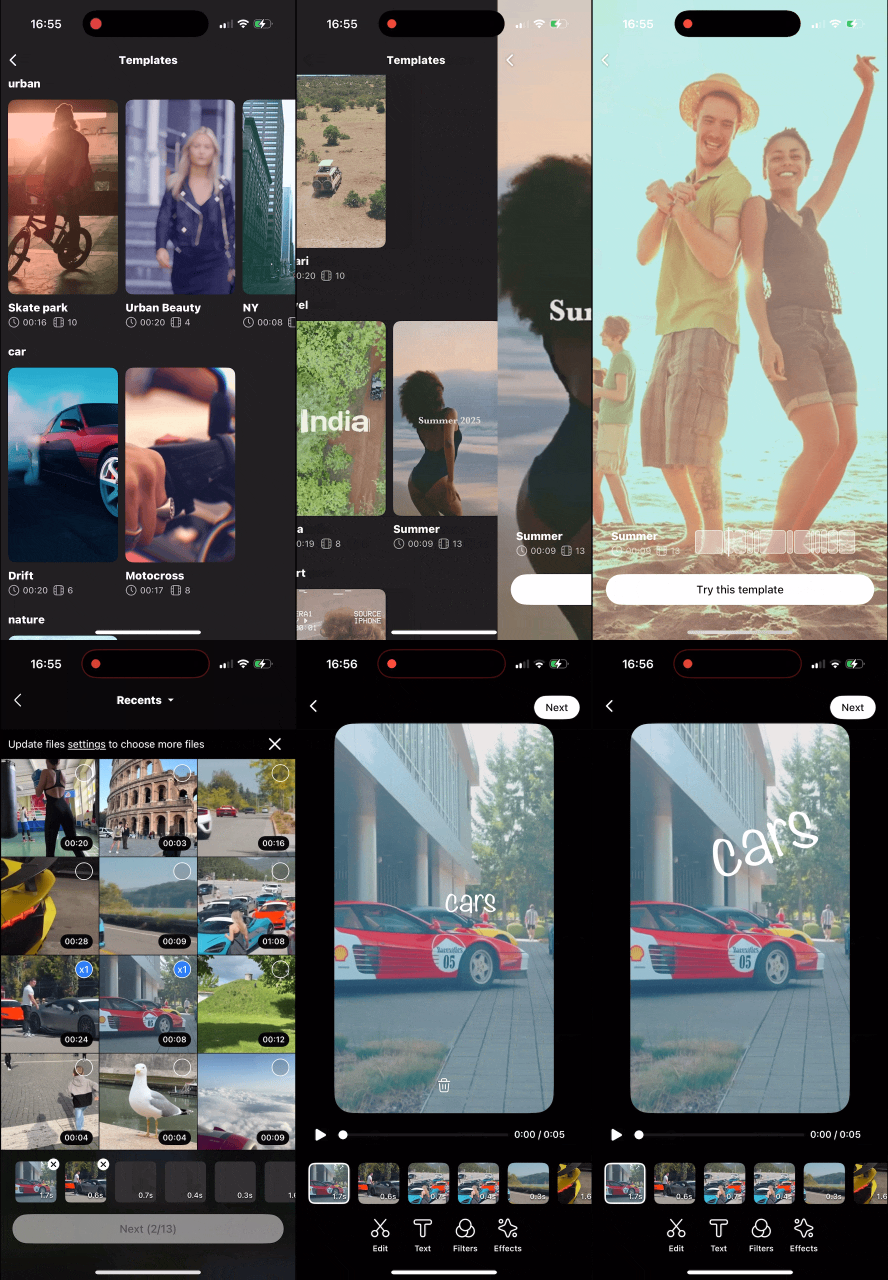
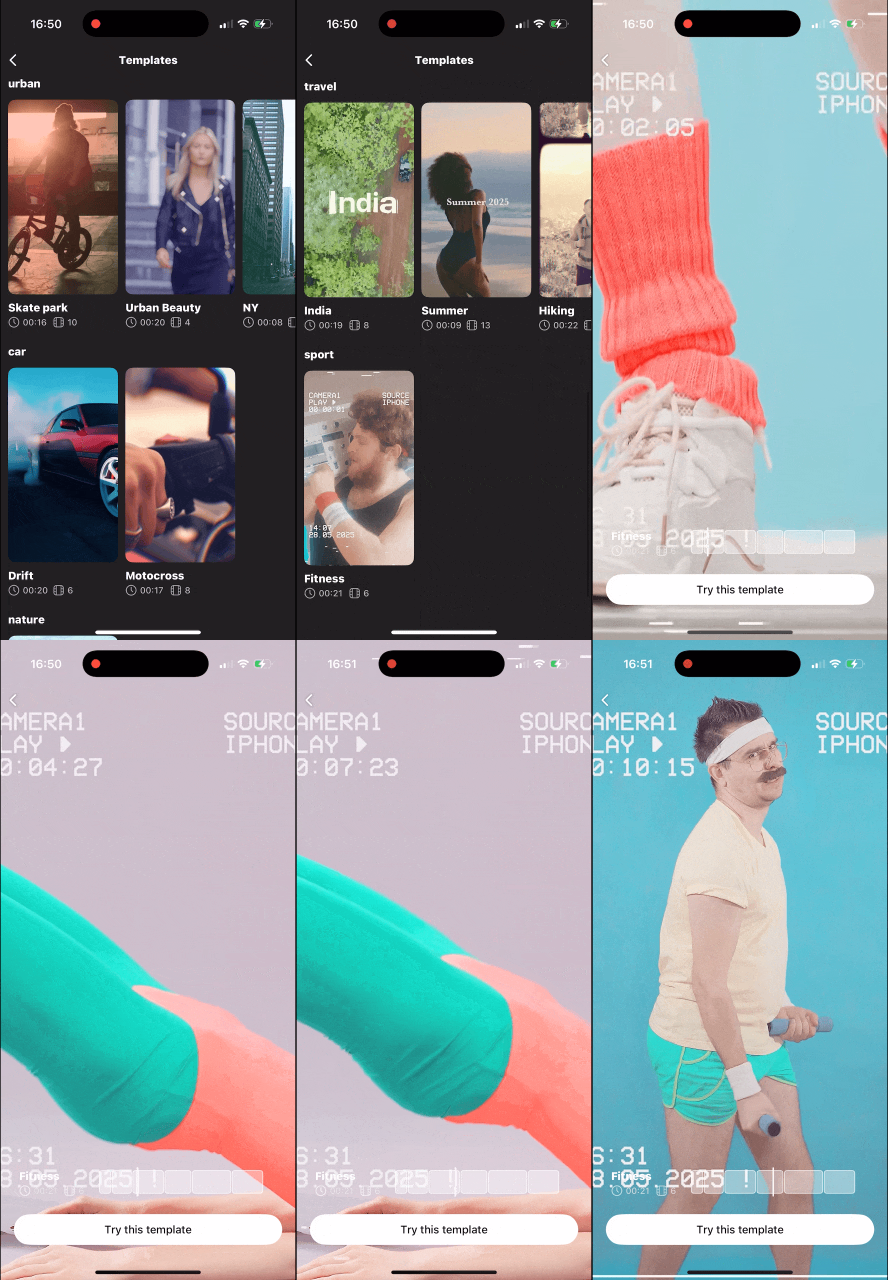
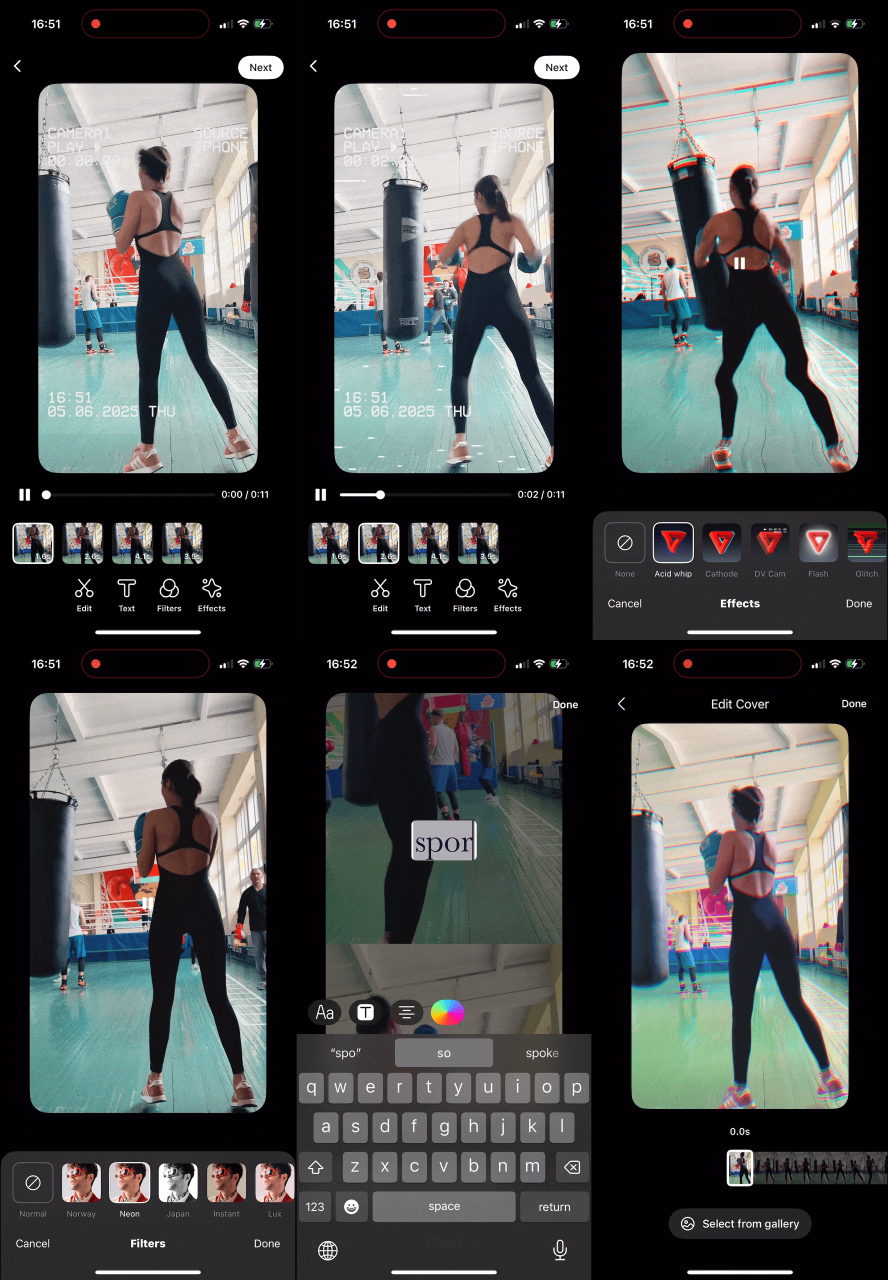
The Video Templates is not enabled by default. Contact Banuba representatives to know more.
Launch Video Templates
Use a new entry point in VideoCreationActivity to launch the Video Editor SDK from Video templates.
val intent = VideoCreationActivity.startFromTemplates(Context)
Setup Custom Templates
Use this method if you have an agreement with Banuba for the delivery of additional templates and have received the corresponding URL. By default, the SDK is delivered with predefined configuration to load Banuba templates.
Use TemplatesConfig to enable templates in your app.
Two options are available — add TemplatesConfig to your Video Editor Koin module.
By URL
single {
    TemplatesConfig(
        url = // your endpoint i.e. "https://"
    )
}
By secret key
Requires a secret key provided by your Banuba representative.
single {
    TemplatesConfig(
        url = "",
        secret = // set your secret key provided by Banuba
    )
}