NEW Editor screen on iOS
Guide to integrating and customizing New Editor screen.
Overview
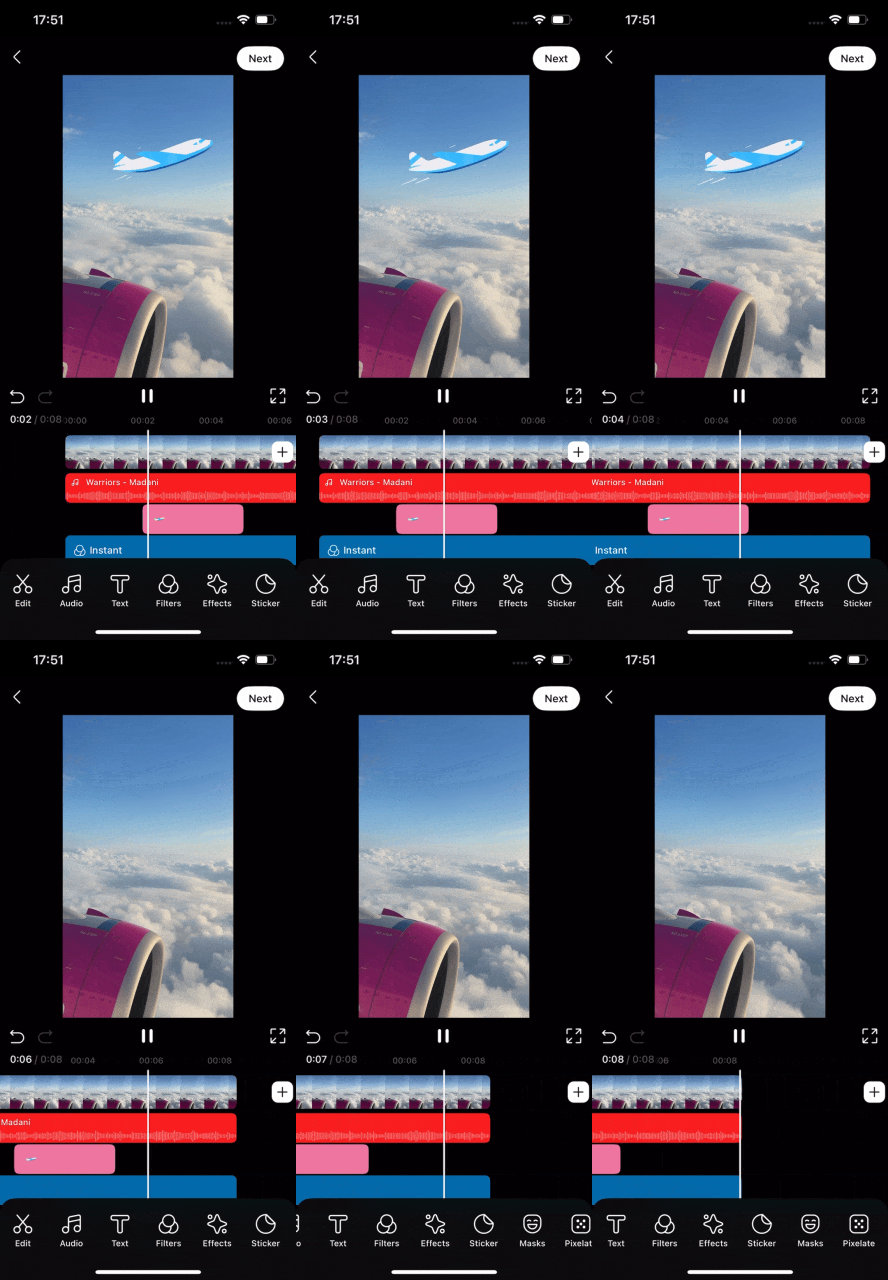
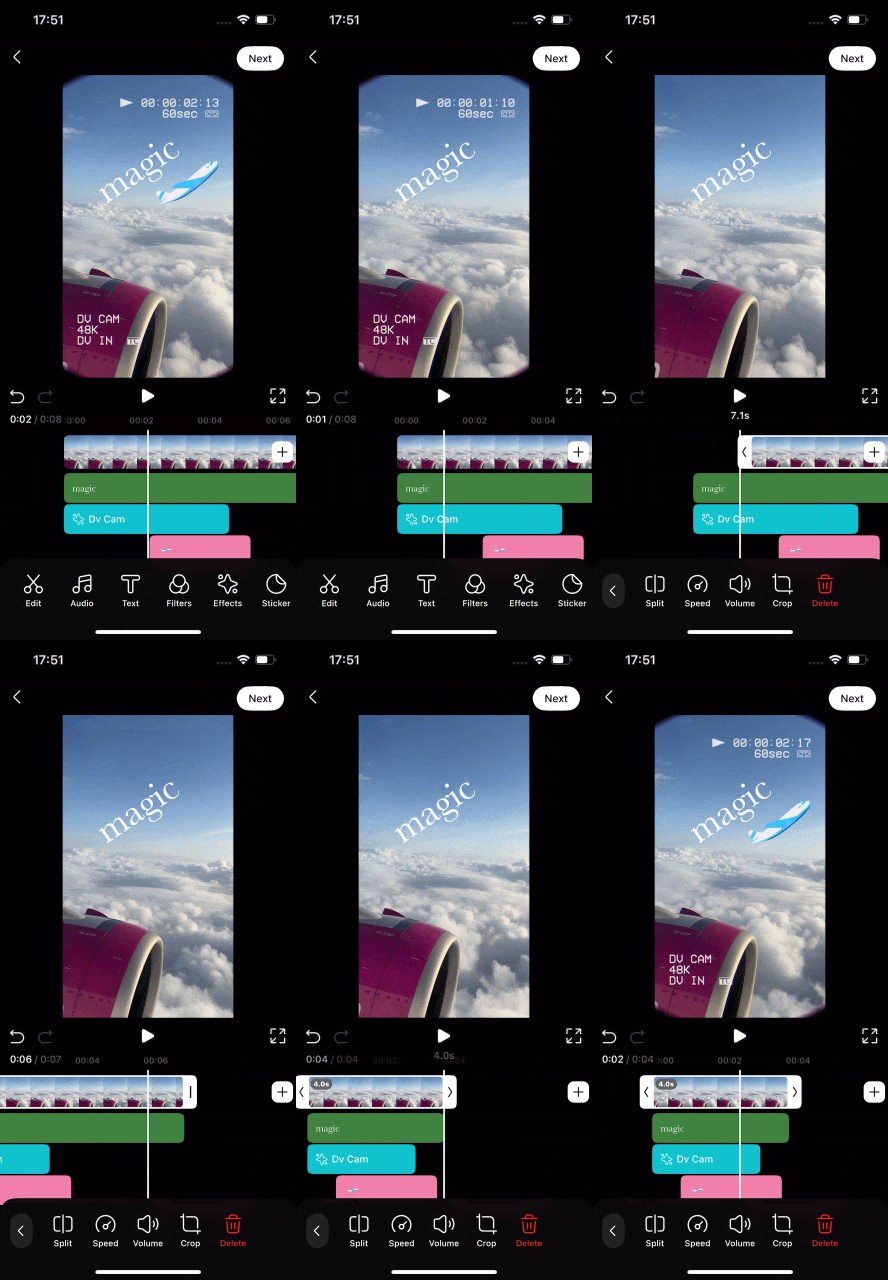
With the new interface, better controls, and additional quality of life improvements, making stunning videos is easier and more fun than ever.
Design and user experience principles are constantly evolving. To keep up with the latest developments and best practices, our team has completely redesigned the Video Editor SDK to be as convenient and enjoyable as possible.

Integration
Init the Video Editor with argument [.useEditorV2: true] to enable Editor UI V2:
let videoEditorSDK = BanubaVideoEditor(
  token: token,
  arguments: [.useEditorV2: true],
  configuration: createConfiguration()
 )
Configuration
The main New Editor UI settings are stored in videoEditorViewConfiguration of VideoEditorConfig. The examples below assume that the configuration is created as follows:
var config = VideoEditorConfig()
Hide tool buttons
Use hideButtons to remove one or more tools from both the regular and fullscreen tool panels:
config.videoEditorViewConfiguration.toolsPanelConfiguration.hideButtons(
  .sticker,
  .masks,
  .drawing
)
Available tool identifiers include .text, .sticker, .audio, .voice, .filters, .effects, .masks, .pixelate, .captions, .drawing, .lowerThird, and .aiVideo.
Disable music
Disable music on the Camera and Editor screens while keeping voiceover available:
config.featureConfiguration.isMusicEnabled = false
Hide the Audio tool
Hide the Audio tool, including voiceover, and the Add Audio button on the timeline:
config.videoEditorViewConfiguration.toolsPanelConfiguration.hideButtons(.audio)
config.videoEditorViewConfiguration.timelineConfiguration.isAddAudioEnabled = false
Hide only the Add Audio button on the timeline
config.videoEditorViewConfiguration.timelineConfiguration.isAddAudioEnabled = false
Music can still be added from the Audio tool. To disable music completely, use featureConfiguration.isMusicEnabled.
Open the editor in fullscreen mode
config.videoEditorViewConfiguration.opensInFullscreen = true
Tools displayed inside the fullscreen More menu can be configured separately. A tool is displayed only when it is also present and available in toolsPanelConfiguration:
config.videoEditorViewConfiguration.fullscreenMoreTools = [
  .captions,
  .drawing,
  .lowerThird
]
Hide the Add Gallery video button
config.videoEditorViewConfiguration.isAddGalleryVideoButtonHidden = true
Set the default aspect ratio
config.videoEditorViewConfiguration.primaryAspectRatio = .aspect9x16
Supported values are .original, .aspect16x9, .aspect9x16, .aspect4x3, and .aspect4x5.